How to Log In to Atlassian Cloud
- Connect to the VPN if you are off campus
- Navigate to the Cloud URL
-
Staff Intranet (Confluence) New URL:
https://mlib.atlassian.net/wiki/
Important: The old staff intranet URL will no longer work. Please update any bookmarks, saved links, or documentation to use the new Cloud URL above.
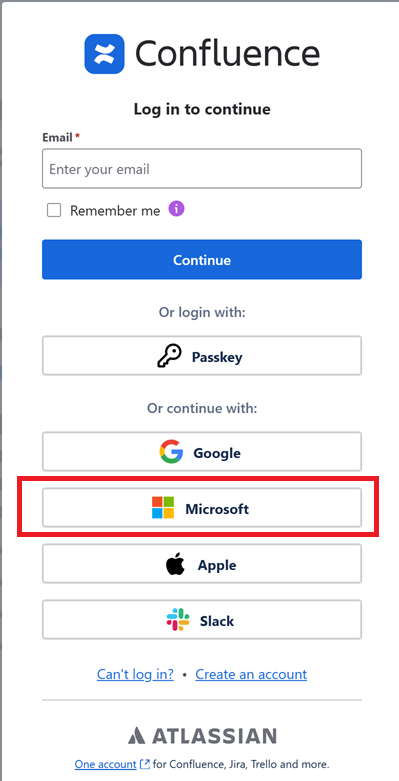
- After clicking the above link to access either Jira or Confluence cloud, you need to click the "continue with: Microsoft" button:
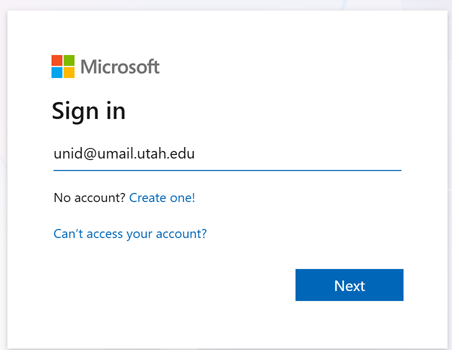
- Enter your "unid@umail.utah.edu" (use your own unid in place of *unid*), on the next screen:
NOTE: Don't use "unid@utah.edu" or "first.last@utah.edu"
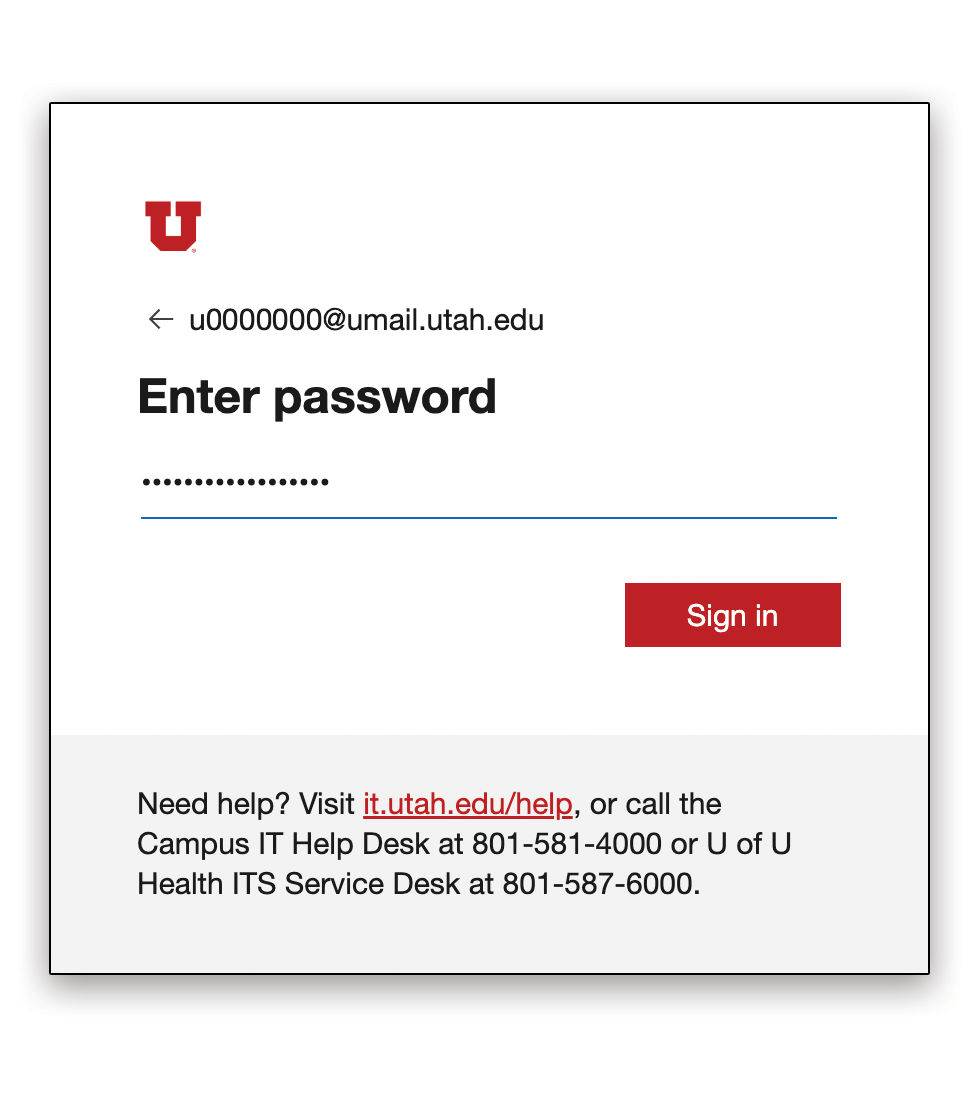
- This will take you to the U's authentication page, enter your password here:
- This should take you to the U's 2FA prompt window, click through to complete 2FA:

- If this completes successfully, you should land on one of the new Confluence welcome screens.
- The first time you log in, you may also need to enter a code sent from Atlassian to your email. This can take a beat to arrive in your inbox.
