
Image Thumbnails
Snippets from the "Image Thumbnails" category let you create image thumbnails with different layouts.
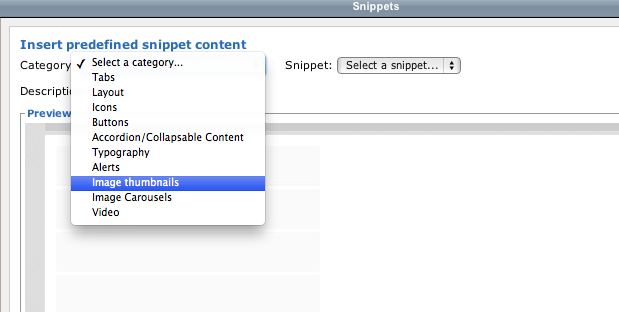
Select the "Image Thumbnails" category
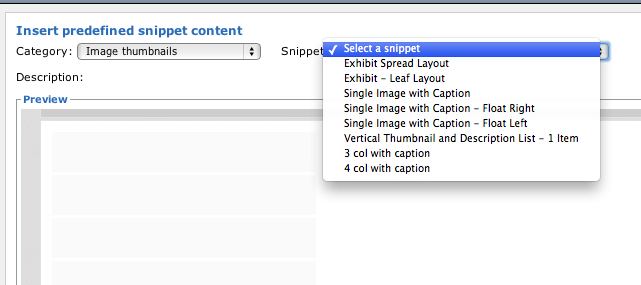
Select the type of thumbnail layout you need
Because snippets include extra html you must take care when using them. The wysiwyg editor will sometimes delete html that it thinks you don't "need." One way to ensure the extra html stays intact is to paste your content after the dummy content and then delete the dummy content. If you try to delete the dummy content first you run the risk of the editor thinking you don't need the surrounding html.
Examples
Exhibit Spread Layout
[Bibliographic Info]
[Descriptive Text]

Exhibit Leaf Layout

[Bibliographic Info]
[Descriptive Text]
Single Image with Caption
Caption Text
Single Image with Caption - Float Right
Caption Text
Text will wrap around like so. Text will wrap around like so. Text will wrap around like so. Text will wrap around like so.
Single Image with Caption - Float Left
Caption Text
Text will wrap around like so. Text will wrap around like so. Text will wrap around like so. Text will wrap around like so.
Vertical Thumbnail and Descriptive List - 1 item
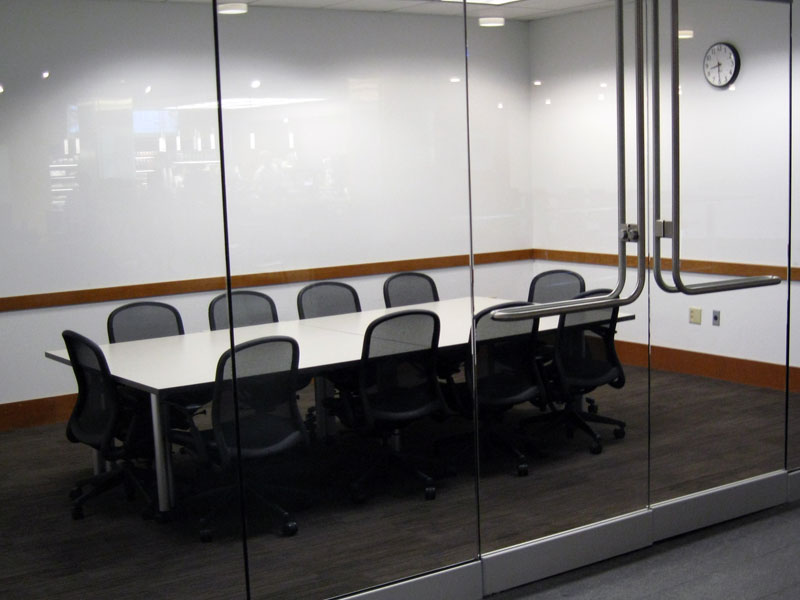
Item Group Title
Item description text.